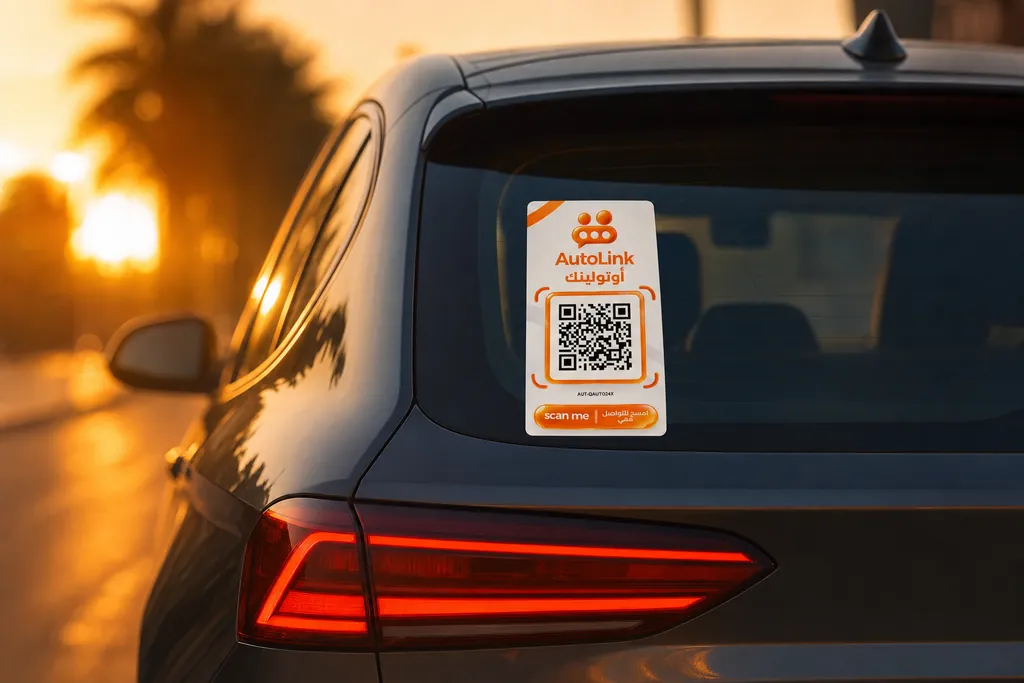
How it works
From sticker to message received.
Two sides: the person scanning, and you. Neither needs an app.
For the person scanning
Three steps, under a minute, no account.
- 1
They scan the QR
With the phone camera. The page opens in the browser.
- 2
They pick the reason
Lights on, blocking access, vehicle problem, possible damage, urgent or other.
- 3
They send
They can add a note and a way to reach them back. Then it is done.
For you, the owner
One setup, then you stop thinking about it.
- 1
You order
Cash on delivery. You receive the sticker in its packaging.
- 2
You activate
You scan the sticker, then enter your details and the code you receive on WhatsApp: it's activated.
- 3
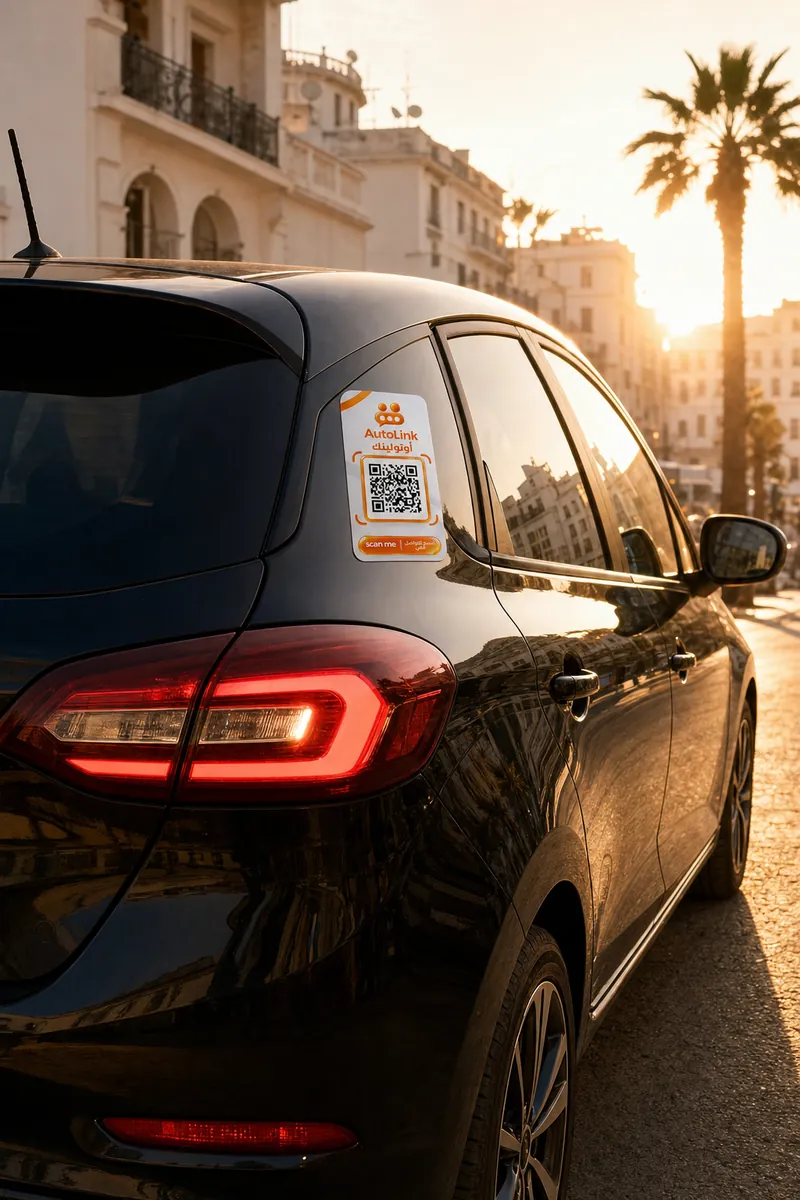
You stick it on
On clean, dry glass, clearly visible from outside.
- 4
You turn on notifications
So messages reach your phone the moment they arrive.
On iPhone, add the page to your home screen first: iOS only delivers web notifications to sites installed that way.
Scan the sticker, pick the reason, send.
- Nothing to install for the passer-by
- Optional extra details
- The owner's number stays hidden
Try it: pick a reason on the phone.

New alert for the ownernow

AutoLink links the message to the car's owner; the passer-by never sees the phone number.
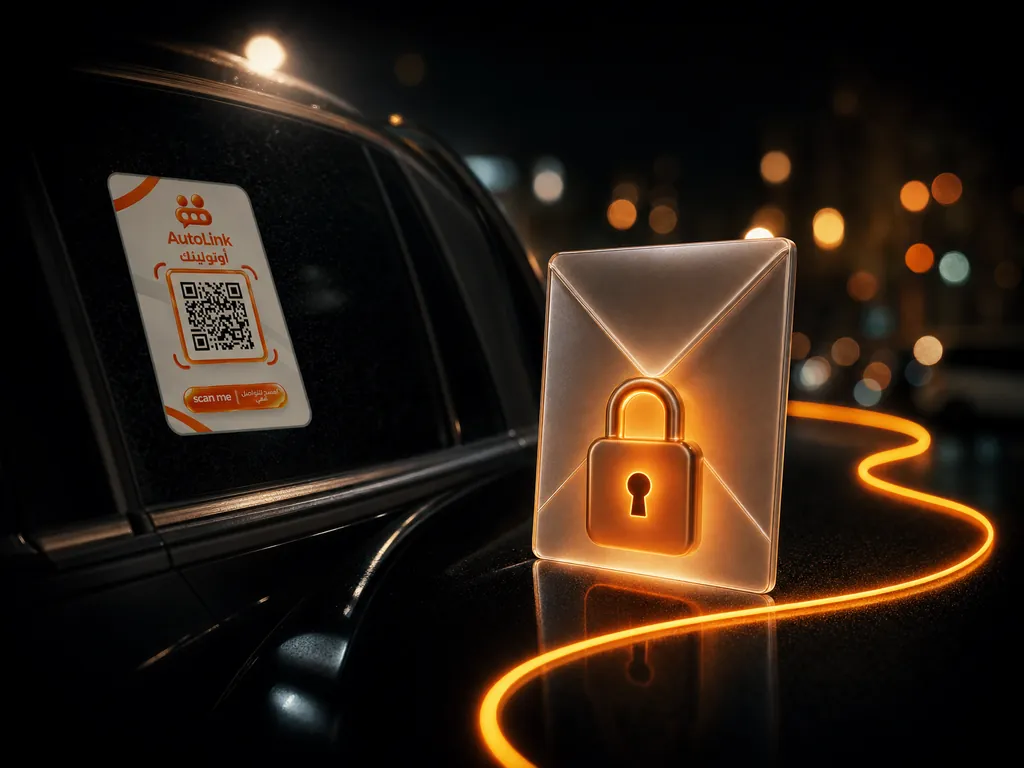
New message
from a passer-by, about your car
- Owner's number hidden
- Contact through the sticker
- Messages in your account
AutoLink is not an emergency service
If there is immediate danger, contact the appropriate emergency services. A message sent through AutoLink notifies the owner, nothing more.